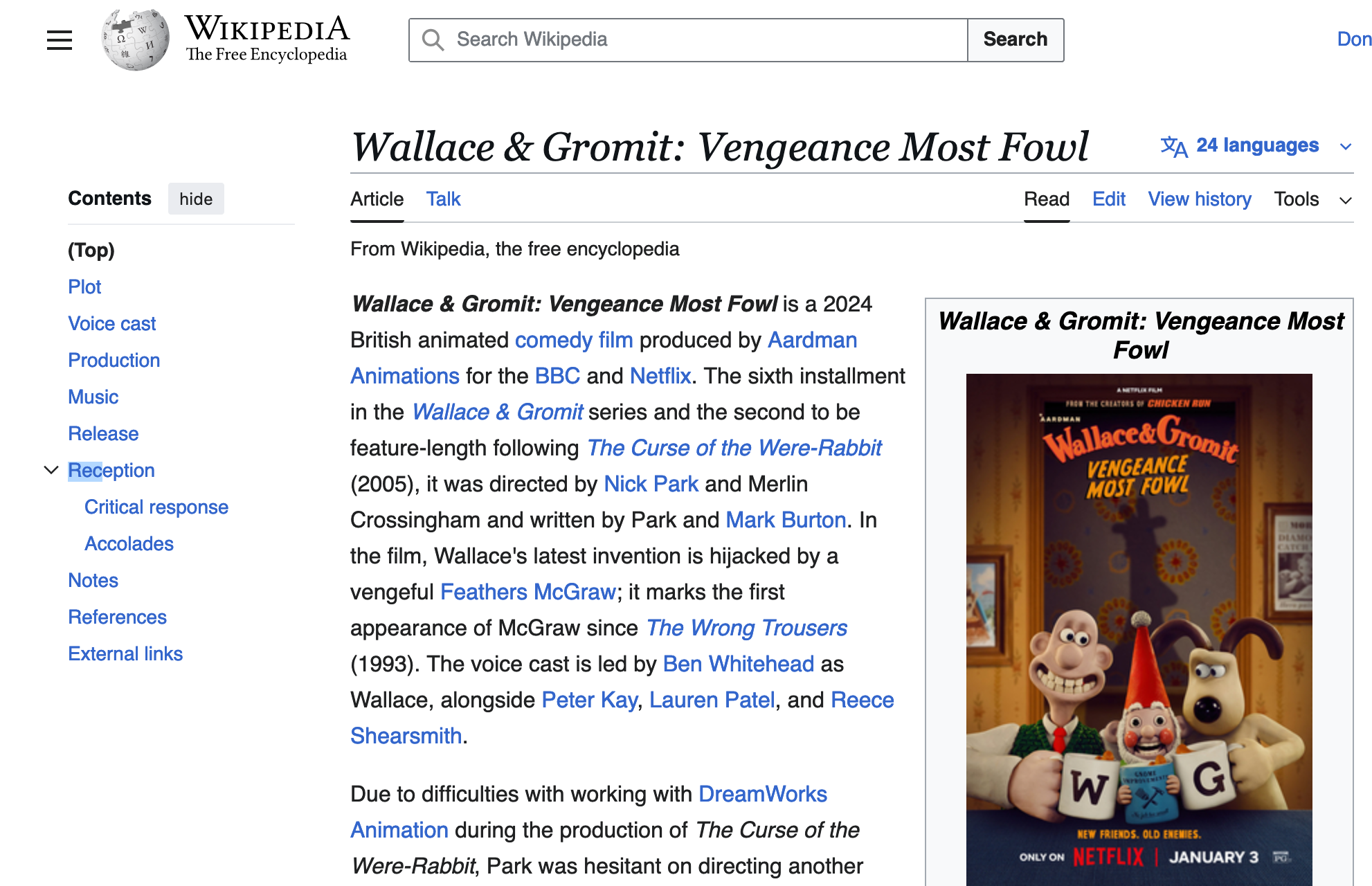
Did you know you can search link text in Firefox - which is an easy way to navigate a page from the keyboard?
Just type the apostrophe key:
'
(between the semicolon ; and the Return key)
and type a few letters of a link. Once Firefox highlights the link you want, press return to open that link.
I like to do everything from the keyboard, as much as possible. (The mouse - or in my case, the trackball - is fine, and great - it's a wonderful invention. But it's so much faster to use the keyboard, in so many cases.)
I constantly find myself on Wikipedia pages or Rotten Tomatoes, wanting to jump straight to a particular subtopic - for example, looking at a TV show or movie in Wikipedia, I usually want to jump to the Reception heading.
With this trick, I can just type
'
rec
return
to jump straight to the section I want to read.
This is my new favorite thing.
I found out about it at the California Department of Consumer Affairs, thanks to their handy list of Keyboard Shortcuts for Firefox.