Resourcespace, a digital asset management tool, includes Year and Date dropdowns in its search form.

One of my clients uses those fields extensively.
They asked me whether we could configure the Year field to show future years, since they sometimes create photo assets that expire during a future year.
After searching the documentation without finding an answer, I tried asking ChatGPT:
I use Resourcespace to manage a large collection of images. There's a Search by Year dropdown with a predefined list of years. The latest year listed is 2025. How can I get later years to appear in that list?
ChatGPT told me to add resources with post-2025 dates. However, my clients had already tried that, and it failed to add any future years to the Year dropdown.
I remembered that a lot of Resourcespace settings are configured using the configuration file, found at
includes/config.php
I opened that up and searched for any lines that contained "year" - and quickly found a variable called $maxyear_extends_current .
The helpful comment in config.php said:
# Search for dates into the future. Allows the specified number of years ahead of this year to be added to the year drop down used by simple and advanced search.
$maxyear_extends_current=0;
(There's also a $minyear variable, but we didn't need to adjust that at this time.)
I changed that line to
$maxyear_extends_current=0;
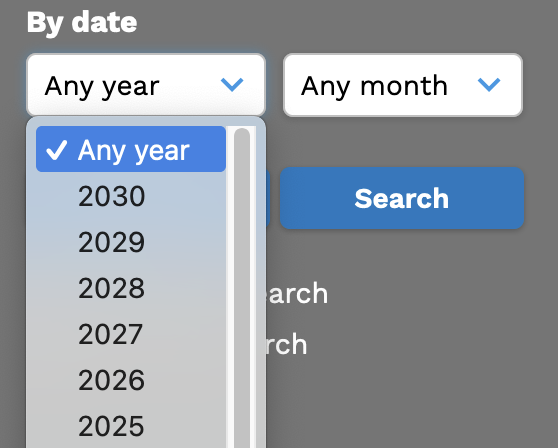
and reloaded the page - and now I had a handful of future years in my list:
It's unfortunate that customization options can get hidden away in config files, but at least it was fairly easy to find, and very easy to change, once I found it.