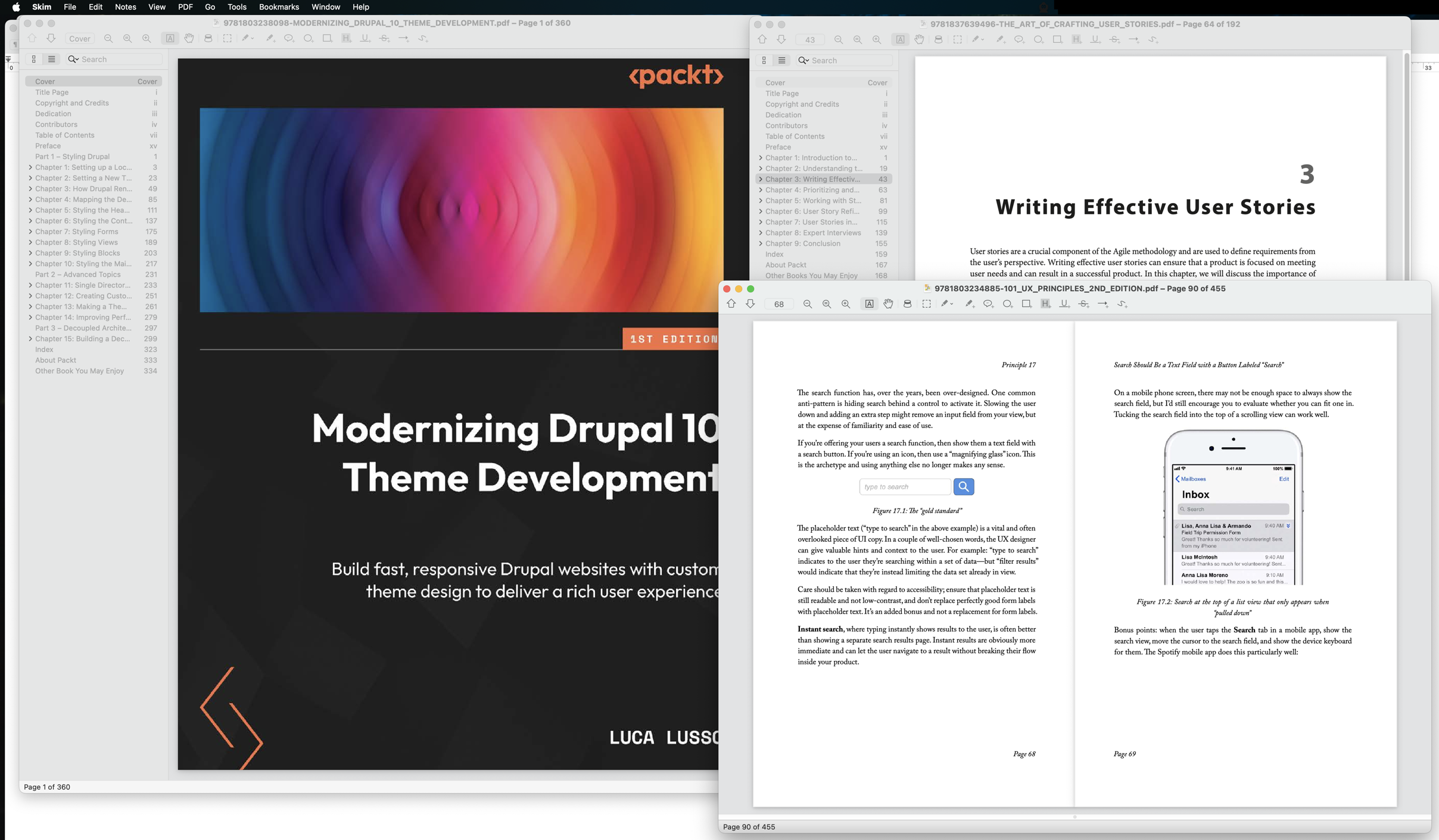
I often have a ridiculous number of PDFs open. I like to have reference materials handy, and it's nice to be able to have two or three PDFs side by side on my large monitor so I can compare information.
My habits are too much for Apple's built-in Preview app. If I try to open more than 10 documents, it keeps adding them to an existing document window, so I have to take the extra step of moving the document to its own window; and if I open a LOT of documents, it'll start to crash now and then when I bring the app to the foreground.
I wondered whether there might be a better alternative, so I searched for open source PDF readers.
I found Skim, and I've become a convert.
Skim is, indeed, open source; I prefer to use open source software when I can.
I was happy with my initial experiences right away. It's fast, and it has no problem handling lots of open files. It does a good job of remembering which page I was viewing when I re-open a file.
It's remarkably robust, with a full complement of features (note taking, different display modes, bookmarks).
It behaves well within the Mac app guidelines; things like Window Move and Resize commands and Services options work beautifully.
I was especially pleased to discover that it has solid support for AppleScript - among other things, I can easily get a list of all the documents I have open in Skim in case I'd like to refer to them later.
I'm pleasantly surprised that the developers chose to work on a project that might seem unnecessary, since Apple supplies a free PDF reader with every Mac. But for my needs, Skim is superior in so many ways, and I'm grateful that the folks who created it have done such a terrific job.